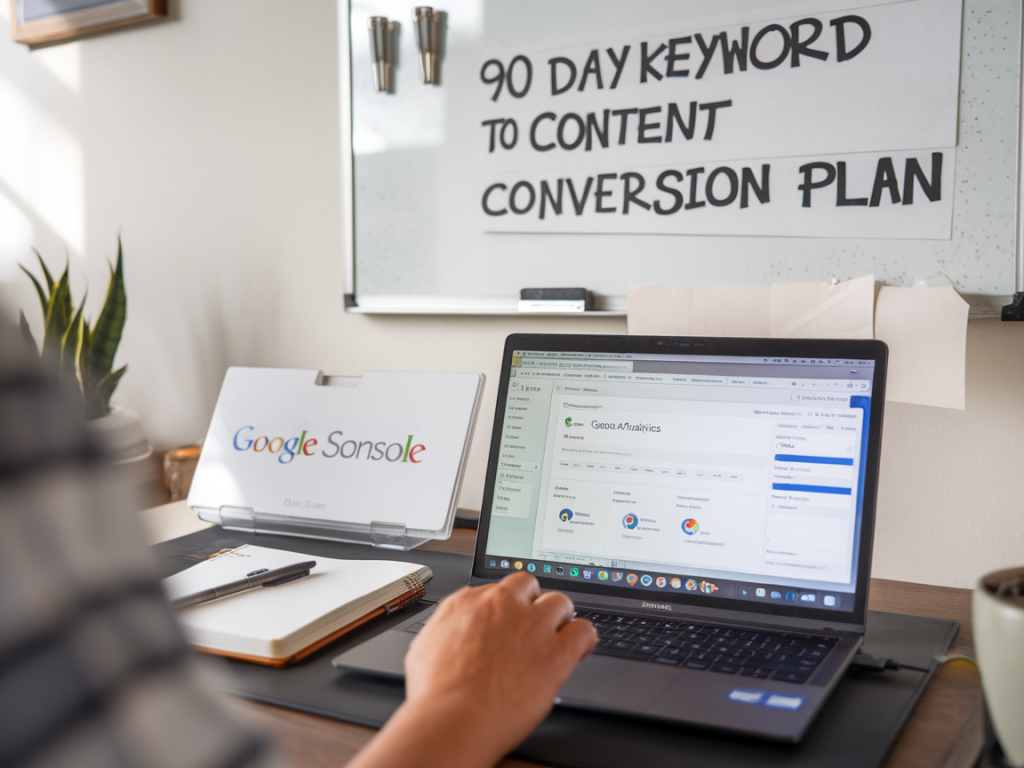
I want to take you through a method I use every quarter to transform raw GA4 and Search Console data into a 90-day keyword-to-content conversion plan. This is the framework I rely on at Inbound SEO to map search intent, prioritize opportunities, and build content that actually converts—no guesswork, just measurable steps.
Why map search intent with GA4 + Search Console?
Search Console gives you the questions people ask and how often your pages appear for them. GA4 tells you what happens once people land on your site. When you combine both, you can answer: which queries are producing interest but no conversions? Which pages satisfy intent? Which keywords deserve new content or an optimization push?
Mapping intent is not just classification—it's actionable prioritization. I use it to decide whether to create a long-form guide, a product comparison, a landing page, or an FAQ that will move users down the funnel.
Intent taxonomy I use
- Informational — user researching, looking for answers (tutorials, blog posts, guides)
- Commercial investigation — comparing products/solutions (comparisons, reviews, case studies)
- Navigational — user searching for brand/product pages (branded pages, product pages)
- Transactional — user ready to buy or convert (landing pages, pricing, order forms)
Step 1 — Gather and join the data
Start with a 90-day window. I pull:
- Search Console: queries, impressions, clicks, CTR, average position, and landing pages.
- GA4: sessions, engagement rate, average engagement time, conversions (events), revenue if available, and landing page performance.
I export both to Google Sheets or BigQuery and join on landing page. If a query maps to multiple landing pages, I keep the page with the most clicks for that query. Tools I frequently use: Google Sheets, Data Studio (Looker Studio), BigQuery, and occasionally Screaming Frog or a crawl to get page metadata.
Step 2 — Tag each query with intent
I go through the top 1,000 queries (by impressions or clicks) and assign an intent. In practice, I filter by queries driving clicks but low conversions—these are high-opportunity. Labeling can be manual or semi-automated using keywords (e.g., "how to", "best", "vs", "buy", "price"). I add a column in the sheet for intent and confidence score.
Step 3 — Score opportunities
I score each landing page / query combination on three axes:
- Traffic potential — impressions and clicks from Search Console (normalized)
- Conversion gap — low conversion rate or no conversion events in GA4 (bigger gap = higher priority)
- Difficulty / effort — how much content work is required (update vs. new page vs. technical fix)
Formula I use (simplified): Opportunity Score = (Impression Score * 0.4) + (Conversion Gap * 0.4) - (Effort * 0.2). Then I rank pages by score.
Step 4 — Decide the content action
For each high-ranking opportunity, decide one of these actions:
- Optimize existing page (title, meta, headings, internal links, CTAs)
- Create new content (long-form guide, comparison, transactional landing page)
- Change page intent (reframe content to match intent—for instance, convert a generic guide into a commercial-comparison page)
- Fix technical or UX issues (slow page, missing schema, broken CTAs)
Examples: If a query "best ecommerce platform 2026" brings clicks but low dwell time, this is commercial investigation—either create a comparison page or add a clear product comparison table and CTA to the existing post. If "how to setup ga4 ecommerce" ranks but has no conversions, it's informational—add step-by-step tutorials and an email capture CTA (lead magnet).
Step 5 — Build the 90-day plan
I split the quarter into three 30-day sprints: Discover & Prioritize, Execute, and Amplify & Iterate.
| Day Range | Focus | Typical Tasks | KPIs |
|---|---|---|---|
| Days 1–30 | Discover & Prioritize |
| Opportunity list, content briefs |
| Days 31–60 | Execute |
| Pages published, event tracking active |
| Days 61–90 | Amplify & Iterate |
| CTR, engagement, conversion lift |
Practical GA4 & Search Console metrics to watch
- Search Console: impressions, clicks, CTR, average position by query and landing page
- GA4: sessions by landing page, engaged sessions, engagement rate, average engagement time, conversion events, scroll depth, bounce (if you use bounce in GA4)
- Combined KPIs: query → landing page CTR, post-click conversion rate, revenue per session (if ecommerce)
Optimization recipes I use
- Low clicks, high impressions — rewrite title + meta to increase CTR, add schema, test new featured snippets format.
- High clicks, low engagement — improve above-the-fold content, add jump links, improve page speed, add relevant images/infographics.
- High engagement, low conversions — add clear CTAs, lead magnets, product recommendations, conversion-focused copy.
- Informational queries with conversion potential — add micro-conversions (email opt-in, checklist, webinar sign-up).
How I validate impact
I treat the plan like an experiment. For each piece of work I set an expected uplift (e.g., +15% CTR, +20% engaged sessions, or +10 conversions/month). I use GA4 comparisons, event funnels, and Search Console before/after snapshots to validate.
Tools and templates I rely on
- Google Search Console export (CSV)
- GA4 explorations for landing page performance
- Google Sheets template: query, landing page, intent, opportunity score, action, owner, due date
- Looker Studio dashboards to track KPIs at a glance
- Optional: Ahrefs or SEMrush for keyword difficulty and additional keyword suggestions
Mapping search intent with GA4 and Search Console removes a lot of the guesswork from content planning. When you can point to a query with measurable traffic and see exactly how those users behave on your site, prioritization becomes simple—and the content you build has a clear job to do. If you want, I can share my Google Sheets template or a sample Looker Studio report that mirrors this workflow.