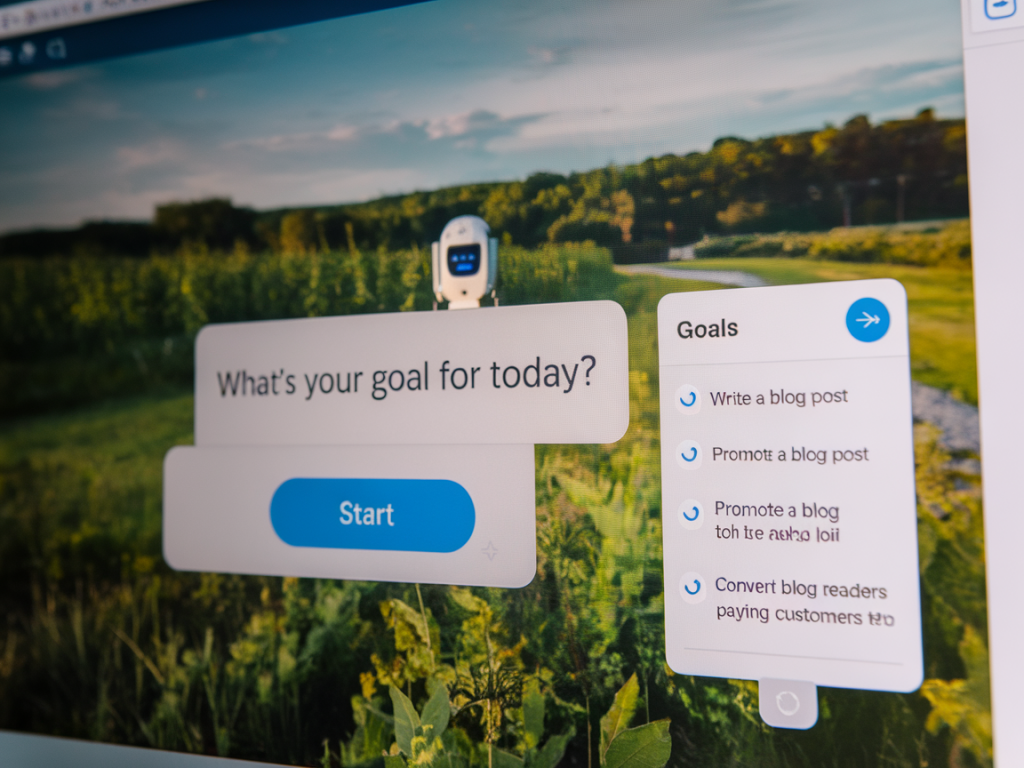
I used to dread the idea that turning blog readers into customers meant committing to long, drawn-out email sequences. As someone who loves conversational marketing and clean UX, I started experimenting with chatbot-driven content funnels that do the heavy lifting in real time—right on the page where readers already engage. The result? Higher conversions, faster qualification, and much less dependency on bloated email flows.
Why chatbot-driven funnels work (and why I prefer them)
Chatbots meet readers where they are: on the blog, curious and motivated. Instead of forcing readers out of the experience and into a multi-email drip, a conversational bot keeps the interaction immediate and contextual. Here’s what I’ve observed in my experiments:
- Higher engagement: People respond to questions when those questions feel relevant to the article they’re reading.
- Faster qualification: A short chat can capture intent, budget, and timing quicker than form fills and email follow-ups.
- Reduced friction: No inbox clutter, no waiting. The pathway from “interested” to “booked/demo/purchased” is shorter.
- Better personalization: Chatbots can adapt responses based on the article context and reader choices, delivering tailored offers.
Core components of a chatbot-driven content funnel
When I build a chatbot funnel for a blog post, I always include four essential components:
- Context-aware trigger: The bot should launch with context—e.g., after X seconds on the page, at the end of the article, or when the user highlights text.
- Micro-qualification: Two or three quick questions to establish intent (problem, timeframe, budget).
- Value-first response: Offer immediate value—download, checklist, quick tip, or a short personalized snippet—before asking for contact details.
- Conversion path: A clear next step: schedule a call, start a free trial, purchase, or receive a tailored resource via messenger.
How I structure the conversation (script examples)
People worry that chatbots feel robotic. The trick is to write small, human messages and give readers control. Below is a common script I use for SaaS or service-focused posts:
- Bot: “Hi! Noticed you’re reading about [topic]. Do you want a tailored checklist to implement this on your site?”
- User: “Yes” / “Maybe later”
- Bot: “Great—quick question: are you setting this up for a small business, an agency, or an enterprise?”
- User: “Small business”
- Bot: “Perfect. Do you prefer a downloadable PDF or a short walkthrough video?”
- User: Chooses PDF
- Bot: “Here’s your checklist—download now. If you want, I can also connect you with someone who can implement this for you (no strings attached).” [CTA: Book a Quick Call]
This script does three things: it personalizes, it provides immediate value, and it creates a low-friction conversion opportunity.
Where chatbots outperform email sequences
Email is excellent for long-term nurturing, but chatbots excel at intent detection and immediate conversions. I rely on chatbots when:
- I want to convert readers who are already close to buying but haven’t taken action.
- My content addresses a specific pain with a clear solution (e.g., migration guides, pricing comparisons).
- I need to triage leads quickly before handing them to sales.
Tools I use and recommend
There are many options—some lightweight, some enterprise-grade. I choose tools based on integration flexibility, UI, and the ability to include custom logic. A few I frequently use:
- Intercom: Great for SaaS—powerful product messaging, user segmentation, and live chat handoff.
- Drift: Built for B2B conversions; excellent calendar integrations and routing rules.
- ManyChat / Chatfuel: If you want messenger-first experiences (Facebook/Instagram), these are simple to deploy.
- Landbot: No-code conversational flows that can be embedded into articles with clean UI.
- Custom widgets: For maximum control, I sometimes implement lightweight custom chat widgets using React and a simple backend to log answers into our CRM.
Integrations and data flow (what to connect)
To make the chatbot funnel practical, you need a clean data flow. Here’s my minimal integration checklist:
- CRM (HubSpot, Pipedrive, Salesforce) to store lead qualification data
- Calendar (Calendly, HubSpot Meetings) for instant booking
- Storage/Delivery (Google Drive, AWS S3) for downloadable resources
- Analytics (Google Analytics, GA4, or Mixpanel) to track conversion events
Below is a simple mapping I often use:
| Chat action | Destination | Purpose |
|---|---|---|
| User chooses “Download PDF” | Cloud storage link + email capture | Immediate value delivery |
| User qualifies as “Sales-ready” | CRM task created + calendar link | Fast sales handoff |
| User asks for pricing | Automated pricing snippet + invite to live demo | Reduce decision friction |
Optimizing the funnel: metrics and A/B tests I run
It’s easy to ship a chatbot and forget it. I regularly test and measure:
- Engage rate: % of page visitors who open the bot
- Completion rate: % who complete the micro-qualification
- Conversion rate: % who take the CTA (download, book, purchase)
- Time to conversion: Average time from trigger to conversion
Typical A/B tests I run:
- Trigger timing (immediate vs. scroll depth vs. time on page)
- First message tone (casual vs. formal)
- Number of qualifying questions (1 vs. 3)
- Type of immediate value (PDF vs. video vs. short checklist)
Common pitfalls and how I avoid them
I’ve learned the hard way that chatbots can be annoying or useless if misconfigured. Here are the mistakes I avoid:
- Overly aggressive triggers: Don’t pop up immediately on arrival—wait until the reader is engaged.
- Too many questions: Keep micro-qualification short; you can always ask follow-ups later.
- Giving value too late: Always offer immediate utility before asking for personal details.
- Poor handoff to humans: If you promise a live call, make sure calendar links and reps are available.
Real-world example: turning a how-to post into a consult
On a recent article about “SEO content migration,” I embedded a Landbot widget that offered a tailored checklist. The sequence was simple—topic recognition, site size question (small/medium/large), and a CTA to either download the checklist or book a quick audit call. Within 48 hours we had several audit bookings from readers who otherwise would have only subscribed and faded into email sequences. The key was respecting readers’ time and giving immediate, applicable value.
When to still use email (and how chatbots complement it)
Chatbots don’t replace email entirely. I use them to accelerate early-stage conversions and qualification, then pass quality leads to an email sequence tailored to their answers. For example, if a reader downloads the checklist and opts into follow-up, I’ll send a short two-email series—one with implementation tips, one with a case study—rather than a long drip. The chatbot has already done personalization, so my email can be concise and highly relevant.
If you want to test this approach, start with one high-traffic, high-intent article. Build a short, polite bot that offers immediate value and a low-friction next step. Measure engagement and iterate—conversational funnels reward small, consistent improvements far more than long, complicated setups.